This guide provides a systematic framework for content creators to engineer viral TikTok videos. You will learn to manipulate algorithmic signals, craft high-retention hooks, and leverage platform features to achieve predictable reach. This process matters because it turns virality from a game of chance into a repeatable strategy, directly impacting account growth and audience engagement.
Table of Contents
See more guides in the Social Media Hub.
Quick Start Guide
- Keep Videos Under 15 Seconds: Prioritize a high completion rate.
- Hook in the First 1-3 Seconds: Use a problem-agitation or unexpected outcome formula.
- Aim for 50%+ Watch Completion: Cut all non-essential content. Every second must justify its existence.
- Use the 3x3x3 Hashtag Method: Combine 3 broad, 3 niche, and 3 relevant trending tags.
- Post 30-60 Minutes Before Peak Follower Activity: Use your account analytics to find this window.
- Analyze Retention Graphs: Identify the exact second viewers drop off and fix the issue in the next video.
Decoding the TikTok For You Page Algorithm
To make content people watch, you must understand why TikTok shows them what it does. The platform's objective is to maximize user screen time. It achieves this by promoting content that generates high engagement immediately after posting. Follower count and past performance are secondary; every video is evaluated on its initial performance metrics.
The most critical metric is watch completion rate. This measures the percentage of your video that users watch before swiping away. A short video with a high completion rate signals to the algorithm that the content is engaging, resulting in increased reach. This is the core mechanic of the platform.
Figure 1: The virality formula prioritizes a high completion rate, achieved through short video lengths and an immediate hook.
The Power of Short-Form Completion
Data consistently shows that videos under 15 seconds outperform longer content in engagement. While an average completion rate is approximately 20–30%, videos that achieve virality typically exceed 50%.
From an algorithmic perspective, a 15-second video with 50% completion (7.5 seconds watched) is a stronger positive signal than a 60-second video with 25% completion (15 seconds watched). The completion percentage indicates content quality more accurately than raw watch time. With an estimated 34 million videos uploaded daily, your impact must be immediate.
This requires a strategy focused on:
- Zero Fluff: Get directly to the value proposition. Each second must contribute to the narrative.
- Instant Hooks: The first 1-3 seconds are decisive. Use a question, a shocking visual, or a bold claim to stop the scroll.
- Rewatch Value: Create a seamless loop or include subtle details that encourage a second viewing. This multiplies watch time and sends a powerful signal to the algorithm.
Key Algorithmic Signals to Track
While completion rate is paramount, the algorithm evaluates a hierarchy of user interactions. These signals are not weighted equally, but each contributes to a video's momentum. Prioritize optimizing for signals at the top of this framework.
TikTok Virality Metrics Decision Framework
This table provides the key algorithmic signals and specific performance targets for your content.
| Metric |
Target Threshold |
Optimization Tactic |
| Rewatches |
Any amount |
Create a seamless loop where the last frame connects to the first, or add details discoverable on a second watch. |
| Shares |
>1 per 100 views |
Produce content with high utility (tutorials, tips) or high relatability that compels viewers to send it to others. |
| Comments |
>1 per 100 views |
Pose a direct question in the video or caption. Respond to early comments to stimulate conversation. |
| Saves |
>2 per 100 views |
Offer a resource, checklist, or valuable information that users will want to reference later. |
| Completion Rate |
50%+ |
Keep video length under 15 seconds and deploy a strong hook within the first 1-3 seconds. |
| Likes |
>5 per 100 views |
A "like" is the lowest-effort signal and therefore the least valuable. Focus on higher-value metrics first. |
A common misconception is that a large following is a prerequisite for virality. The algorithm is designed to surface high-performing content regardless of the source. A video from a new account can outperform one from a million-follower account if its initial engagement metrics are superior.
As you scale content production, understanding platform rules is critical. This guide on how to avoid TikTok shadowbans and spam patterns will help maintain account health.
Engineering Hooks and Narratives That Hold Attention
The first three seconds of your video determine its performance. A successful hook earns a full watch; a failed hook earns a swipe, signaling to the algorithm that the content is not engaging. For creators focused on growth, mastering the hook is non-negotiable.
 Figure 2:
 Analyzing performance data is crucial for deconstructing what makes a hook effective and holds viewer attention.
Deconstructing Effective Hook Formulas
An effective hook creates an information gap or an emotional response that compels the viewer to continue watching. Based on testing, three formulas consistently deliver high retention rates across various niches.
- The Problem-Agitation Hook: State a common problem your audience experiences, then emphasize the negative consequences. This builds immediate relatability and positions your content as the solution.
- Real-World Example (Tech): "Your laptop fan sounds like a jet engine, and you are one thermal throttle away from losing your work. This $10 fix reduces temperatures by an average of 15°C."
- The Unexpected Outcome Hook: Show the final, impressive result without explaining the process. This generates curiosity, requiring the viewer to watch to understand how the outcome was achieved.
- Real-World Example (Data Analysis): "I transformed this spreadsheet with 10,000 rows of unstructured data into a fully automated dashboard in 90 seconds using one free tool."
- The Pattern Interrupt Hook: Disrupt the passive scrolling state with an unexpected audio-visual element. A sudden sound, an unusual camera angle, or a rapid zoom forces the viewer to re-focus their attention.
- Real-World Example (DIY): A video about woodworking opens with the high-pitched sound of a drill slipping, followed by the text "That's the sound of a mistake." The unexpected audio grabs attention before the tutorial begins.
Your hook is the combination of visuals, audio, and on-screen text in the first 1-3 seconds. All elements must work in concert to stop the user's thumb. For more scripting templates, see our guide on hook formulas that stop the scroll.
Maintaining Momentum in Short-Form Narratives
After the hook, you must maintain pacing to keep completion rates above 50%. In videos under 30 seconds, there is no room for extraneous content. Pacing is controlled by the edit, not the script.
Use these editing techniques to maintain high tempo:
- Aggressive Jump Cuts: Make a new cut every 1-2 seconds. Remove all pauses, breaths, and filler words to create a dense, fast-paced viewing experience.
- Dynamic Text Overlays: Animate keywords and numbers on-screen to reinforce the spoken narrative. Time them to appear precisely when they are mentioned.
- Strategic Sound Design: Use subtle audio cues like whooshes, clicks, or risers to emphasize cuts and text animations. This adds a layer of polish that increases engagement.
Clear audio is mandatory for any content with a voiceover. Poor audio quality is a primary reason for viewers to swipe away. Learn how to reduce background noise in your microphone to ensure your message is intelligible.
Riding the Wave: Using Trends, Audio, and Platform Features
To amplify a video's reach, you must strategically use TikTok's native features. Trending audio, Duet, and Stitch are not just creative tools; they are algorithmic shortcuts that insert your content into existing high-velocity conversations.
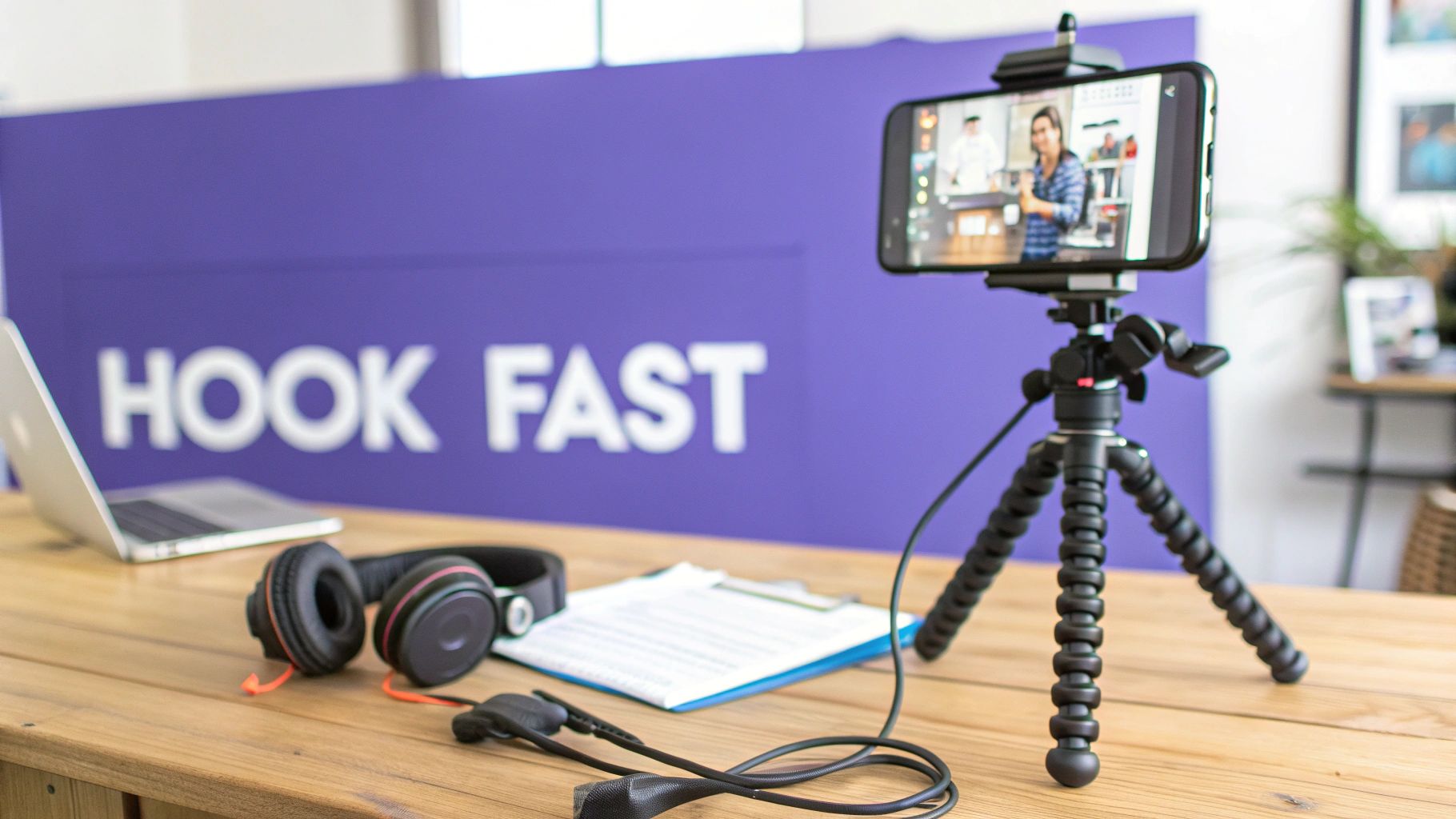 Figure 3:
 A proper setup for recording enables creators to quickly act on trends and utilize platform features effectively.
Trending Audio vs. Original Audio: A Decision Framework
Choosing between trending and original audio depends on the video's objective. One is not inherently superior to the other; the decision should be strategic.
- Use Trending Audio when: Your content idea is adaptable to the audio's format. This is optimal for memes, challenges, or formats where the sound itself is the trend. It provides an immediate discoverability boost.
- Use Original Audio when: Your specific message is the core value. For tutorials, expert commentary, or narrative storytelling, your voiceover is the central element and should not be overshadowed by a trending sound.
A common error is forcing trending audio onto content where it does not fit contextually. If the audio distracts from the message, it degrades the user experience and harms performance.
How to Identify and Capitalize on Rising Trends
The key to leveraging trends is early adoption. Participating in a trend before it becomes saturated provides a significant first-mover advantage. The ideal window is a sound with 10,000-50,000 existing videos.
Here is a workflow for identifying emerging sounds:
- Monitor Your "For You" Page: Note any sound you hear 3-5 times within a 10-minute scrolling session. This is an early indicator of increasing velocity.
- Analyze the Sound's Page: Tap the sound and check the total video count. If it is under 50,000 but the top videos have millions of views, the sound has high potential.
- Check Posting Dates: Review the upload dates of the most popular videos using the sound. If they were posted in the last 24-48 hours, the trend is accelerating. Act quickly.
Duet vs. Stitch: Strategic Engagement Tools
Duet and Stitch allow you to leverage the authority and audience of larger creators by inserting your content into their conversations.
- When to Use Duet: For real-time reactions, side-by-side comparisons, or adding visual commentary. Your video plays concurrently with the original. Example: A cybersecurity expert could Duet a video about "common password mistakes" to provide live analysis and corrections.
- When to Use Stitch: When you need to provide context before making your point. Stitch allows you to use the first 1-5 seconds of another video as an introduction to your own. Example: An accountant could Stitch a video asking "How do I lower my tax bill?" and use it as a prompt to deliver a specific tax-saving tip.
Data indicates that approximately 62% of viral videos utilize trending audio, while features like Duet and Stitch are present in roughly 19% of viral content.
For commentary or educational content, the Green Screen effect is a powerful tool. It allows you to display a relevant screenshot or video behind you, providing a visual anchor for your points. Learn how to use TikTok's green screen effect.
Nail Your Captions, Hashtags, and Posting Times
Your video's metadata—the caption, hashtags, and posting time—is as critical as the content itself. This system ensures your video is categorized correctly and shown to the right audience at the optimal time.
Writing Captions That Drive Engagement
A TikTok caption's primary function is to generate comments and shares. Keep captions under 150 characters to prevent them from being truncated. The goal is to prompt an immediate interaction.
Instead of describing the video, pose a direct question or a call-to-comment. For a video on a productivity hack, do not write "This hack saved me hours." Instead, write, "What's one productivity app you can't live without?" This explicitly requests engagement, a strong positive signal for the algorithm.
The 3x3x3 Hashtag Method
Avoid using only oversaturated hashtags (e.g., #fyp) or niche tags with no search volume. The 3x3x3 method provides a balanced structure for discoverability. Your goal is 6-9 total hashtags divided into three categories:
- 3 Broad Hashtags: Tags with over 1 million posts (e.g.,
#contentcreatortips, #videomarketing). These help TikTok with general categorization.
- 3 Niche Hashtags: Tags with 50k-500k posts (e.g.,
#tiktokgrowthhacks, #videoeditingtips). These connect you with a highly engaged, specific audience.
- 3 Trending Hashtags: If relevant, include 1-3 hashtags from a current trend or challenge for a temporary visibility boost.
This strategy ensures your content is indexed for broad discovery while also allowing it to compete in less saturated, more relevant categories. You can use a Hashtag Research tool to identify tags with the appropriate volume for each category.
Pinpointing Your Optimal Posting Times
Generic posting advice is ineffective. The only relevant data is your own. Use TikTok's analytics to determine your audience's activity patterns.
Follow this workflow to find your custom posting schedule:
- Navigate to your Profile > Creator tools > Analytics.
- Select the Followers tab.
- Scroll to the Follower activity section. This chart shows the days and hours your followers were most active.
- Identify the 2-3 hour window with the highest activity.
- Post your content 30-60 minutes before this peak begins.
This timing allows the algorithm to start distributing your video as your followers begin to open the app, maximizing its initial velocity. Review this data weekly, as audience behavior patterns can change.
Using Analytics to Find What Actually Works
Content creation without data analysis is guesswork. Analytics provide objective feedback on performance, revealing why a video succeeded or failed. This data is the most direct path to improving your content strategy.
Your Post-Performance Check-Up
Allow a video to collect data for 24-48 hours before analyzing its performance in your TikTok Analytics dashboard. Focus on identifying specific friction points rather than relying on intuition.
These three metrics provide the most actionable insights:
- Traffic Source Type: A high percentage (60-80% or more) of views from the 'For You' page indicates the algorithm successfully promoted your content. A lower percentage suggests weak initial engagement signals.
- Average Watch Time: This metric quantifies retention. For a 15-second video, an average watch time of 10-12 seconds (67-80%) is excellent. Consistently falling below a 50% average watch time indicates a problem with your hook or pacing.
- Audience Retention Graph: This graph displays viewer drop-off on a second-by-second basis, pinpointing the exact moments your content fails to hold attention.
Hunting for the "Swipe Away" Moment
The retention graph is your primary diagnostic tool.
A steep drop-off within the first 1-3 seconds indicates a failed hook. Viewers immediately determined the video was not relevant to them. Your next iteration must get to the point faster or present a more compelling opening.
A gradual, steady decline after the hook suggests a pacing issue. The cuts may be too slow, the narrative may drag, or the visuals lack dynamism. The points where the curve dips are the segments to shorten or remove in future videos.
I once analyzed a video where a large viewer segment dropped off at the 7-second mark. Reviewing the footage, I found this was the moment I transitioned from showing a process to explaining it. In the next video, I removed the explanation entirely. Average watch time increased from 8 seconds to 13 seconds on a 15-second video.
Post-Performance Diagnostic Checklist
Use this checklist to translate data into specific actions.
| Metric Check |
Threshold |
Potential Issue |
Next Action |
| For You Page Traffic |
Below 60% |
Weak early engagement signals (hook, audio, pacing). |
A/B test a different hook or audio choice. |
| Average Watch Time |
Below 50% of video length |
Content is not holding attention post-hook. |
Analyze retention graph for drop-off points. Shorten the video or add more dynamic cuts. |
| Retention Graph |
Steep drop in first 3 seconds |
The hook failed to create an information gap or emotional response. |
Test 2-3 new hooks (e.g., question vs. unexpected outcome). |
| Retention Graph |
Gradual decline after hook |
Pacing is too slow; content is not dense enough. |
Increase cut frequency to every 1-2 seconds. Add more B-roll or text overlays. |
This systematic approach moves you from observation ("my video performed poorly") to diagnosis and action ("my video performed poorly because the hook failed; my next step is to test two new openers").
Data from sources like BrowserAct.com show TikTok's user base is projected to reach between 875–954 million daily active users by 2025. In such a competitive environment, data-driven iteration is essential for sustained growth.
Common Mistakes & Fixes
Issue → Posting videos with the TikTok watermark to other platforms like Instagram Reels or YouTube Shorts.
Fix → Export the final, edited video from your software before uploading it to any platform. This creates a clean master file without watermarks, preventing algorithmic deprioritization on competing platforms.
Issue → Using generic, oversaturated hashtags like #fyp and #viral.
Fix → Implement the 3x3x3 hashtag method. Use 3 broad (>1M posts), 3 niche (50k-500k posts), and 3 relevant trending tags to balance reach with targeted discoverability.
Issue → Creating content that is too long, resulting in low completion rates.
Fix → Keep videos between 8-15 seconds. Be ruthless in editing. Cut every pause, filler word, and non-essential visual to ensure every second serves the narrative and holds attention.
Issue → Guessing the best time to post based on generic advice.
Fix → Use your own data. Go to Creator Tools > Analytics > Followers and identify the 2-3 hour window when your audience is most active. Post 30-60 minutes before that peak time.
Frequently Asked Questions
 Figure 4:
 Frequently asked questions are best answered by analyzing performance data and established best practices.
What Is the Optimal Video Length for Virality?
The optimal length is between 8 and 15 seconds. This range makes it significantly easier to achieve the 50%+ completion rate that the algorithm rewards. A 12-second video watched for 9 seconds (75% completion) is a much stronger positive signal than a 60-second video watched for 15 seconds (25% completion).
Does the TikTok Watermark Hurt Performance on Other Platforms?
Yes, absolutely. Instagram and YouTube have publicly stated that their algorithms deprioritize content with visible watermarks from competing platforms. To maximize reach, always save a clean version of your final edit from your editing software before uploading to TikTok.
How Often Should I Be Posting to Go Viral?
Post 3-5 high-quality videos per week. This frequency is sustainable and provides enough data points to analyze performance and iterate effectively. The algorithm does not reward volume; it rewards the performance of individual videos. Posting one high-engagement video is better than posting five low-engagement videos.
Should I Focus on Original Content or Trends?
Use the 70/30 rule. Dedicate 70% of your content to original, value-driven videos that establish your authority and serve your niche audience. Use the remaining 30% to participate in relevant trends, which act as a discovery mechanism to attract new viewers to your core content.
How Long Does It Realistically Take to Go Viral?
There is no fixed timeline. However, with a consistent strategy of posting 3-5 times per week, analyzing performance data, and systematically improving your content, most creators see a significant performance spike (100k+ views) on at least one video within 60-90 days. Focus on the process of iterative improvement, not the outcome of a single video.
Managing captions and hashtags for every video across multiple platforms can be a major time sink. The creator tools from ClickyApps are designed to automate these tedious tasks. Use our Hashtag Research tool to find the perfect mix of broad and niche tags, and streamline your entire post-production workflow.
Related ClickyApps Tools: